Every location, automatically. No tagging required.
DAAAM reads GPS from embedded metadata, reverse-geocodes offline, and maps every clip. Browse your library by country, city, or point of interest, with no tagging required.
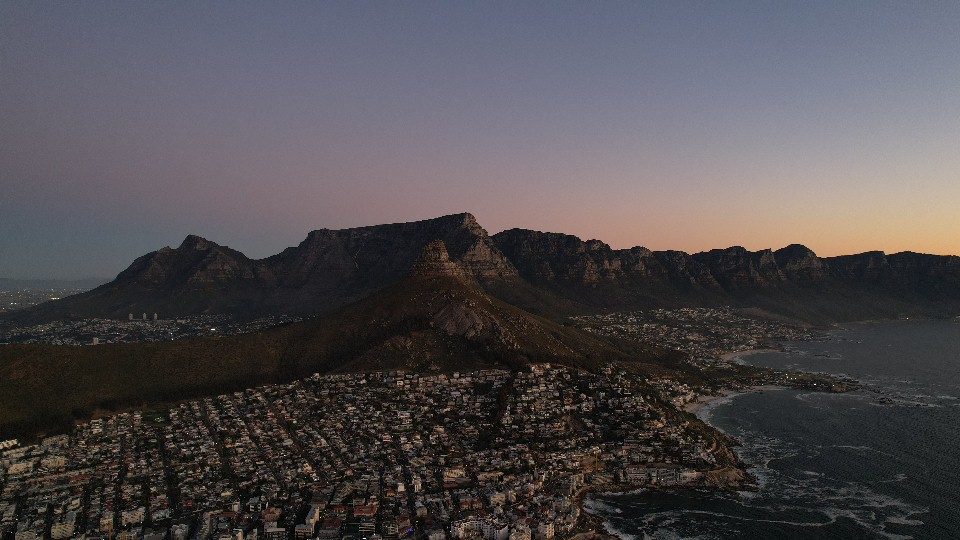
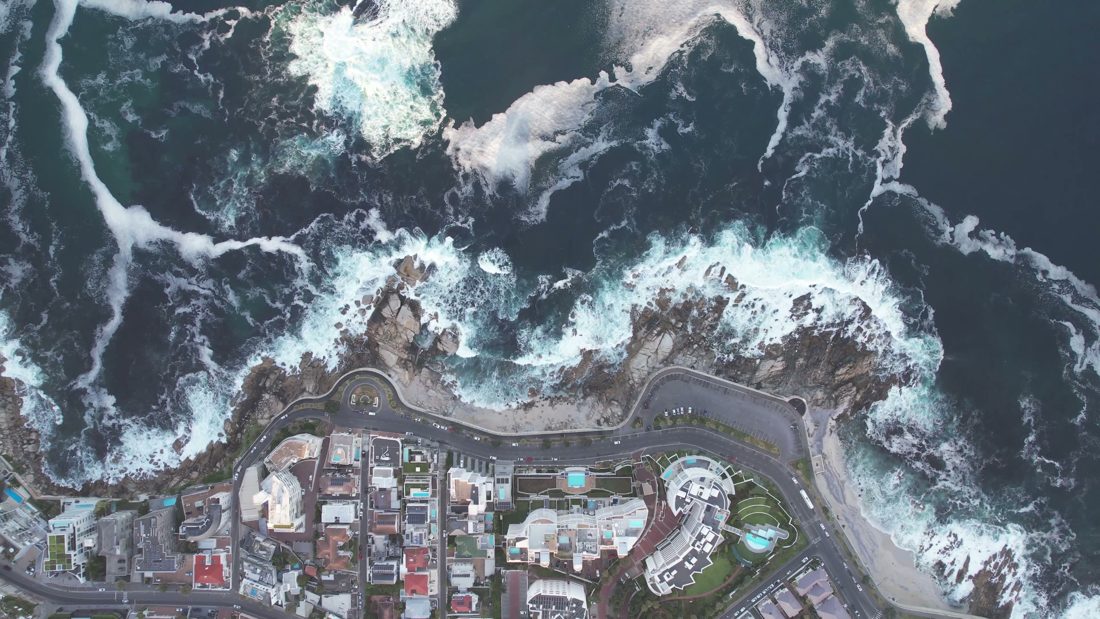
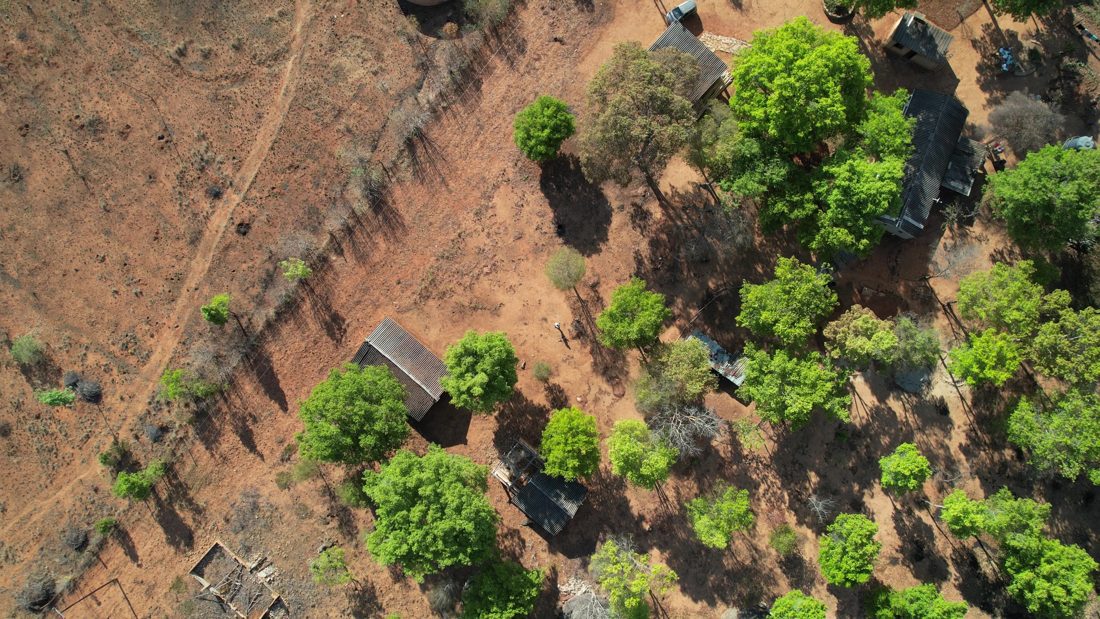
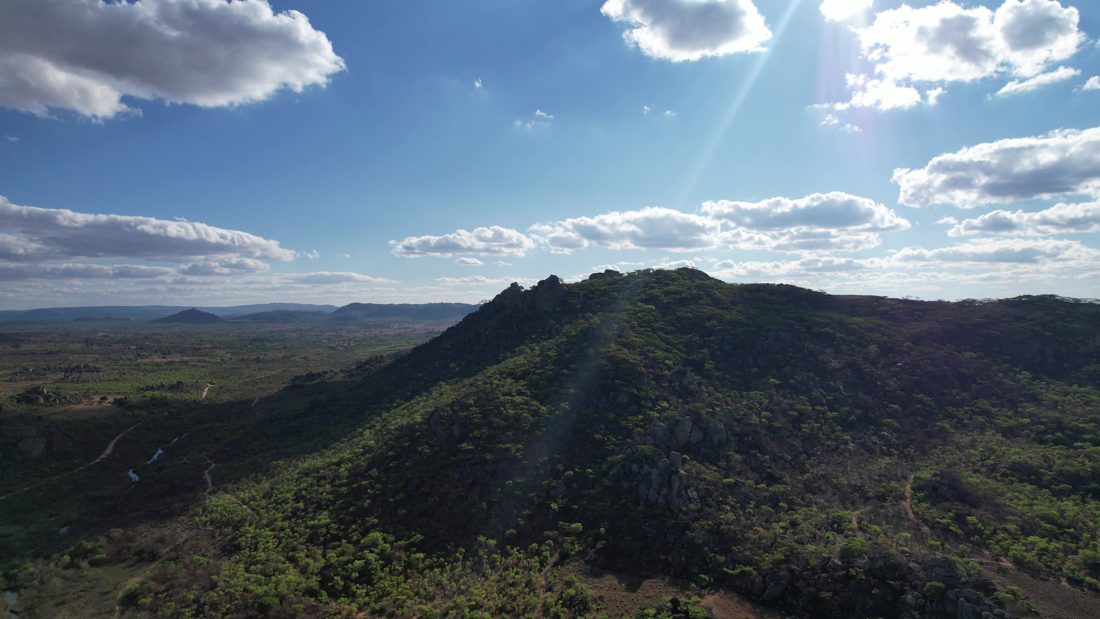
GPS extraction
DAAAM reads GPS data from three sources:
- Embedded GPS. Written by cameras with location enabled: iPhone, DJI drones, GoPros, and some mirrorless bodies with accessories.
- File metadata. Location stored in the video file header when the camera wrote it there.
- Inferred from the same shoot. Clips from the same session can inherit location when a nearby clip on the same day already has GPS. These are flagged so you know they're inferred, not embedded.
<strong>Known issue handled:</strong> Some editing apps and re-export tools strip GPS data. DAAAM warns you when this has happened and shows which clips are missing location data.
Offline reverse geocoding
No API key required. DAAAM reverse-geocodes coordinates to country, state, and city using an offline database. Works completely locally, so your location data never goes to a third-party service.
<strong>Optional enhancement:</strong> Add an external maps API key for full structured addresses and nearby points of interest. Entirely optional: the offline geocoder handles country/city resolution without any external service.
Places view
Interactive map with marker clusters. Every GPS-tagged clip plotted. Sidebar shows country → state → city hierarchy with clip counts. Click a city → library filters to that location.
Example workflow
- Open Places view
- Click "Australia" → see all clips from Australia
- Click "Victoria" → filter to Victorian clips
- Click "Melbourne" → see all Melbourne footage
- Click a cluster near Fitzroy → see clips from that neighborhood
Device class + location
Combine location with device class: "all aerial shots from Queenstown." Filter library to New Zealand → drone footage only. Instantly.