Aerial vs. gimbal vs. phone B-roll, instantly filterable.
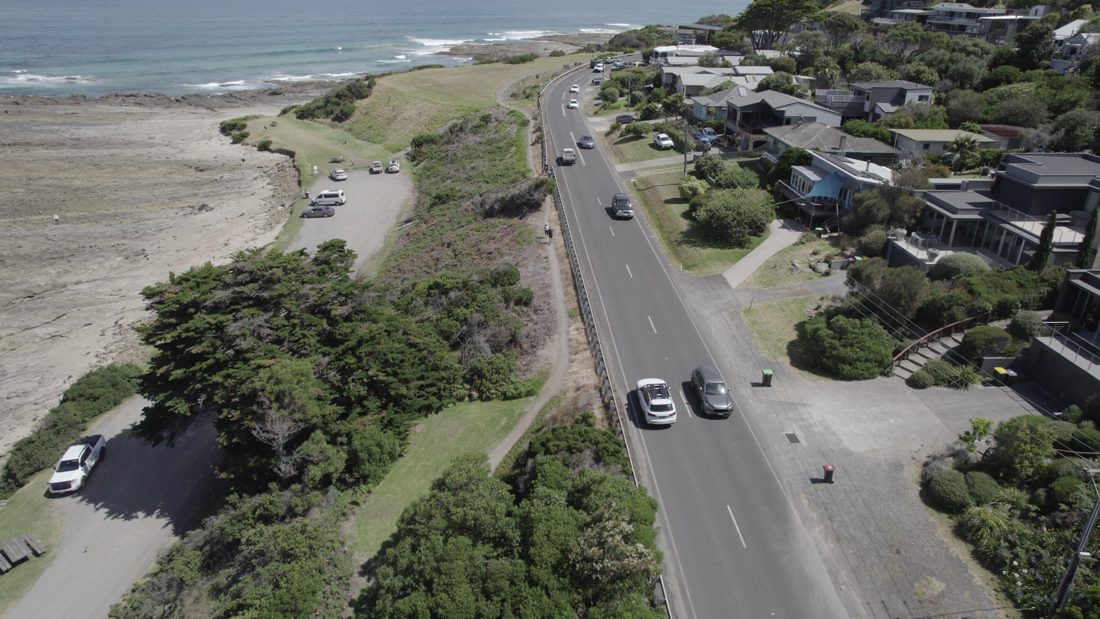
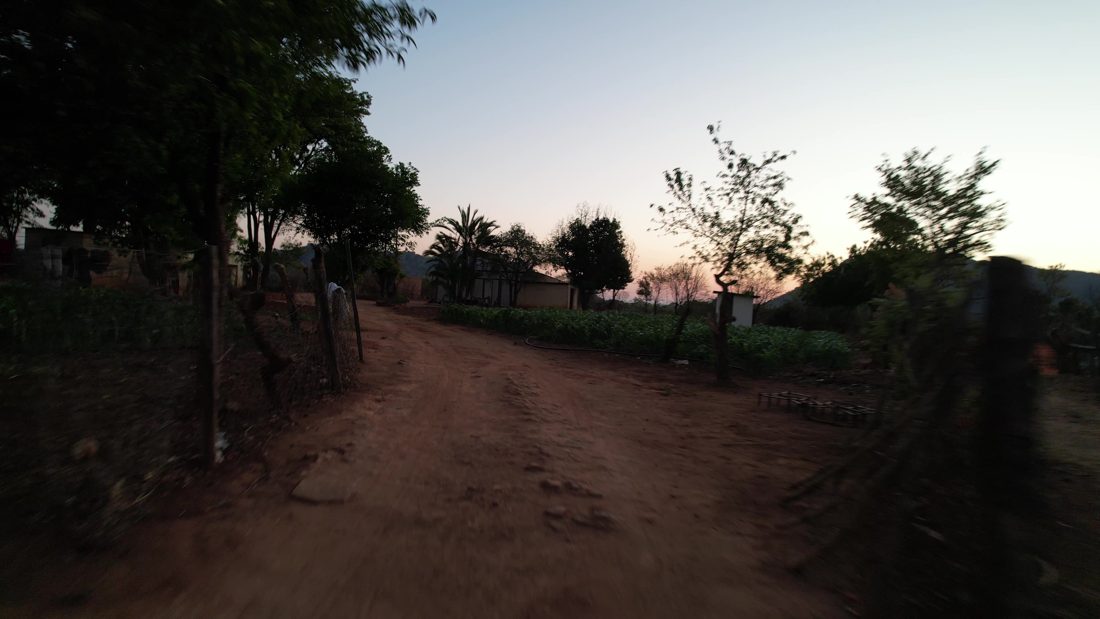
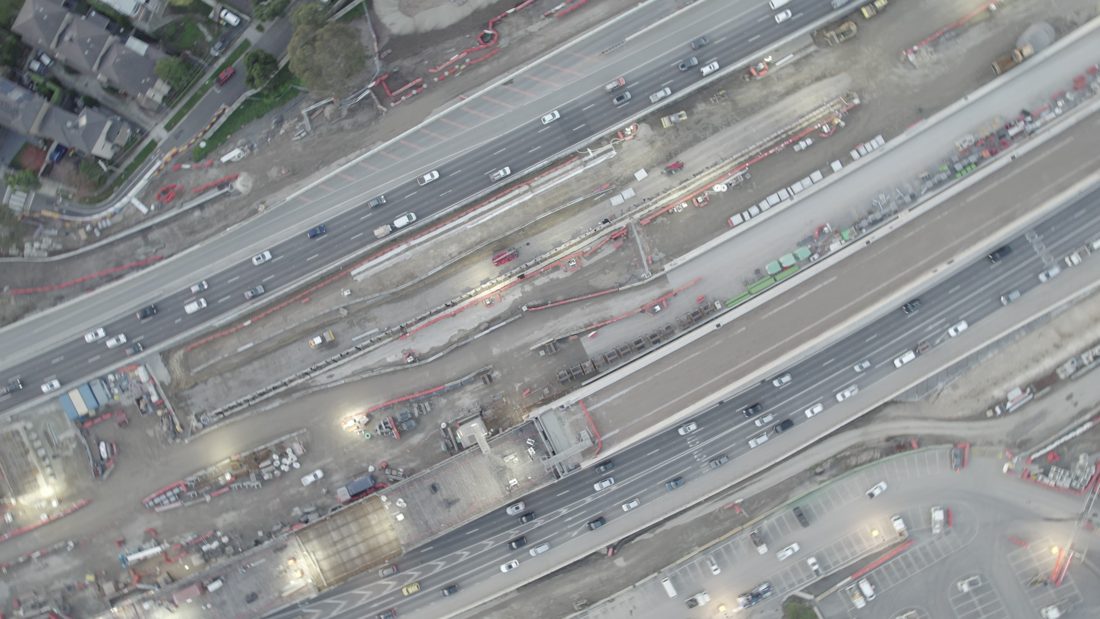
DAAAM classifies every camera as cinematic 4K, casual phone, aerial, action cam, gimbal-handheld, POV wearable, or screen recording, all read from EXIF data with no manual tagging.

How device class works
DAAAM reads the make and model from your camera's embedded metadata and classifies each clip: cinema camera, drone, phone, action cam, and more. Not guesswork from the picture; straight from what the camera recorded.
| Device class | Examples | Classification source |
|---|---|---|
| cinematic_4k | RED Komodo, ARRI Alexa Mini, Sony FX6 | Make/model lookup: RED, ARRI, Sony FX series |
| casual_phone | iPhone, Samsung Galaxy, Pixel | Apple iPhone, Samsung SM-*, Google Pixel |
| aerial | DJI Mavic, DJI Mini, DJI Air | DJI Make field |
| action_cam | GoPro Hero, GoPro Max | GoPro, DJI Osmo Action |
| gimbal_handheld | DJI RS, Zhiyun, Ronin | Stabilization metadata + Make |
| screen_recording | OBS, screen capture | Software encoding signatures |
Why device class matters
Same subject, different look. A café exterior shot from a drone looks nothing like the same exterior from a phone. A gimbal walkthrough has different energy than a handheld close-up. Editors often need to filter by device class to maintain visual consistency within a sequence.
Example workflows
- Travel documentary: Aerial establishing shots → gimbal walking shots → phone B-roll → cinematic interview.
- Wedding film: Drone for venue reveal → gimbal for processional → phone for reception candids → cinematic for ceremony.
- Corporate video: Screen recordings for product demos → cinematic for CEO interviews → phone for behind-the-scenes.
One click filtering
Click "aerial" → see only drone footage. Click "casual_phone" → see only phone footage. Combine with location: "aerial + Queenstown." Combine with search: "sunset beach, aerial." The filter stacks on top of any search query.
The EXIF advantage
Device class comes from camera metadata, not from guessing the look of the frame. Add a custom camera mapping and every clip from that body reclassifies automatically.