Search your footage by what you saw — or what was said.
Apple Photos and Google Photos search your snapshots. DAAAM searches your footage — reading and transcribing every frame with on-device AI, so you find any moment by what you saw or the exact words spoken. Built for ProRes, RAW, drone and external drives. Nothing ever leaves your Mac.
An AI model. On your machine. Reading every frame.
A hard drive full of MVI_3842.mp4 files isn't a library. It's a graveyard. Every parent who's lost an afternoon looking for a birthday video knows this. So does every creator who's re-shot something they already had. Every journalist who's scrubbed 40 minutes of tape to find a quote.
When you install DAAAM, you install a custom AI model trained to understand visual footage. It runs entirely on your Mac — no internet connection, no API key, no subscription to any AI service. It reads every frame: the light, the mood, what's happening, who's there. It transcribes every word of dialogue, fused to the exact frame it was spoken. Then it waits for you to describe what you remember.
And because your entire library is indexed, you can connect it to Claude or ChatGPT — your AI searches your real archive and returns exact answers grounded in what you actually captured.
Natural-language search.
”Handheld, golden hour, kids running.” That's a valid query. DAAAM matches by *meaning* — your words don't have to match the description, and the right clip surfaces in as soon as you finish typing.
AI reads every frame.
Not “dog, table, lamp.” A real description: the light, the mood, what's happening, who's there. Works on every clip and every photo — most camera RAW formats supported. The metadata you wish you'd written.
Dialogue fused with the frame.
Search a line — get the shot. Search the shot — see what was said. The transcript and the visual live at the same timecode, in 100 languages.
Export to your NLE.
One click — your search hits become an XML or EDL timeline. Hand it directly to Premiere Pro, Final Cut, or Resolve with your in and out points intact.
GPS, but private.
DAAAM reverse-geocodes your GPS on-device. Browse the library by country, city, neighbourhood — coordinates never leave your laptop.
Ask Claude about your footage.
Connect DAAAM to Claude Desktop or Claude Code in one click. Ask “find my best drone shots” and Claude searches your real archive.
Your library becomes a database your AI can actually search.
Because DAAAM indexes everything — visuals, transcripts, location, drive — your AI assistant can query it in plain language. Connect to Claude Desktop, Claude Code, or any MCP-compatible AI tool in one click, no terminal required. Ask about your footage the same way you'd ask a colleague who'd watched every clip. Your footage stays on your drive; your AI just gets to talk to it.
In Settings → Connect to AI, toggle "Connect Claude Desktop" — DAAAM edits the config file on your behalf. For Claude Code or other MCP clients: copy one command from the same panel and paste it in your terminal. Full setup guide →
Three steps, from raw card to total recall.
No manual tagging. No import workflow to configure. No cloud account required.
Drop in your folder.
That's it. No manual tagging, no renaming, no import workflow to configure. DAAAM takes it from there.
It reads every frame.
A real description written for every clip — what's in it, who's there, what was said, where it was shot. All on your Mac. Nothing leaves your drive.
Type what you remember.
”The argument near the window. Low light.” That's enough. Describe the look or quote the words — the right clip surfaces in as soon as you finish typing.
Search, library, inspector, discover — one window.
Your entire library. One catalogue file. No second window. No tab-switching. Built to get out of your way — whether you're putting together a video or just trying to find a photo from 2019.
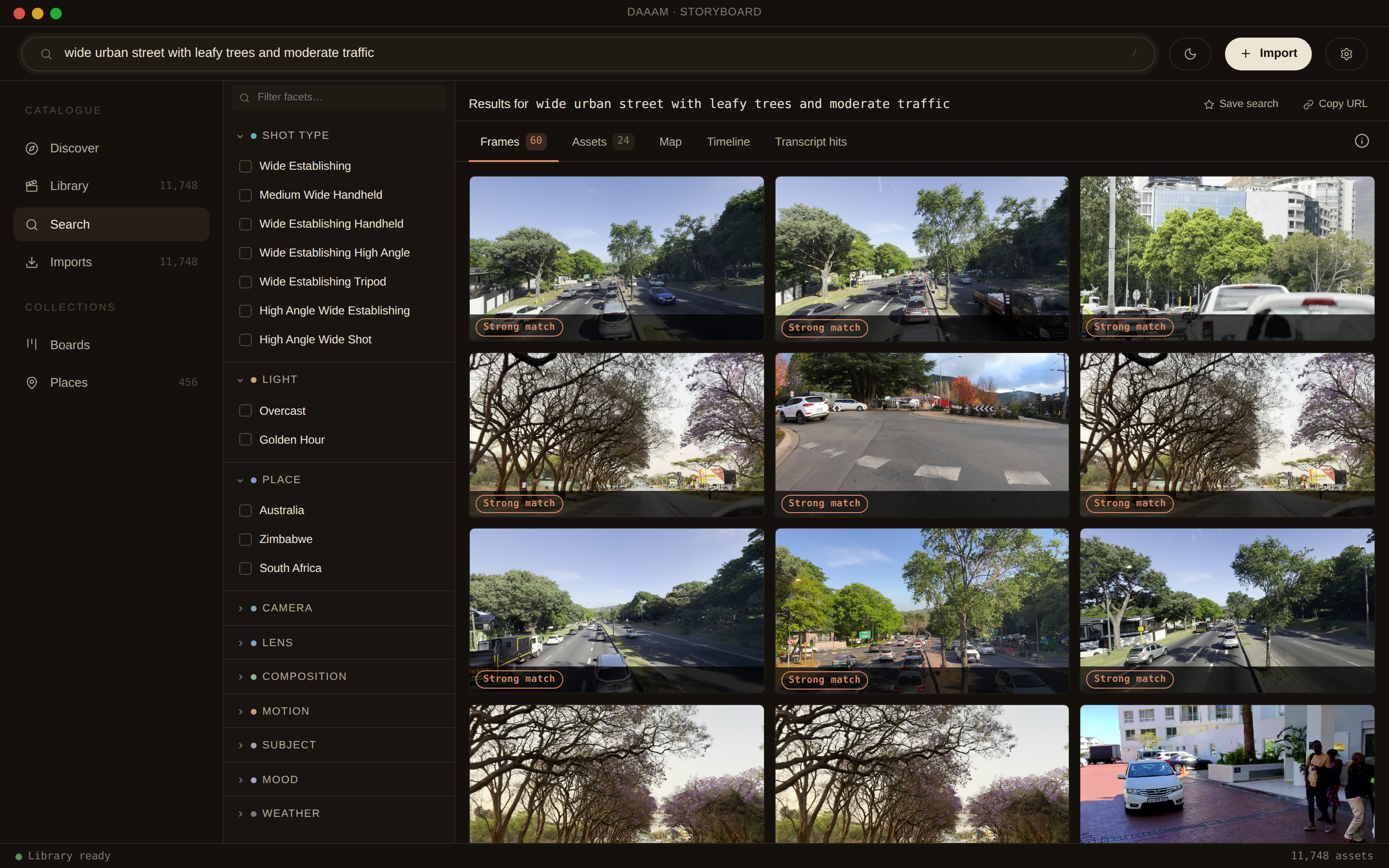
Type a description or quote any spoken word — ranked frames appear as you type. Filter live by shot, light, or place.
Local AI by default. Cloud when it makes sense.
On Apple Silicon with 16 GB RAM, DAAAM runs everything on-device — no upload, no ongoing cost. But local AI competes with your edit, throttles on a warm laptop, and slows under sustained load. Cloud analysis runs on dedicated hardware at a consistent pace, without touching your machine. One toggle. Same quality. Your footage stays local either way — only lightweight proxy frames are ever sent, never your originals.
Stop scrolling. Start finding.
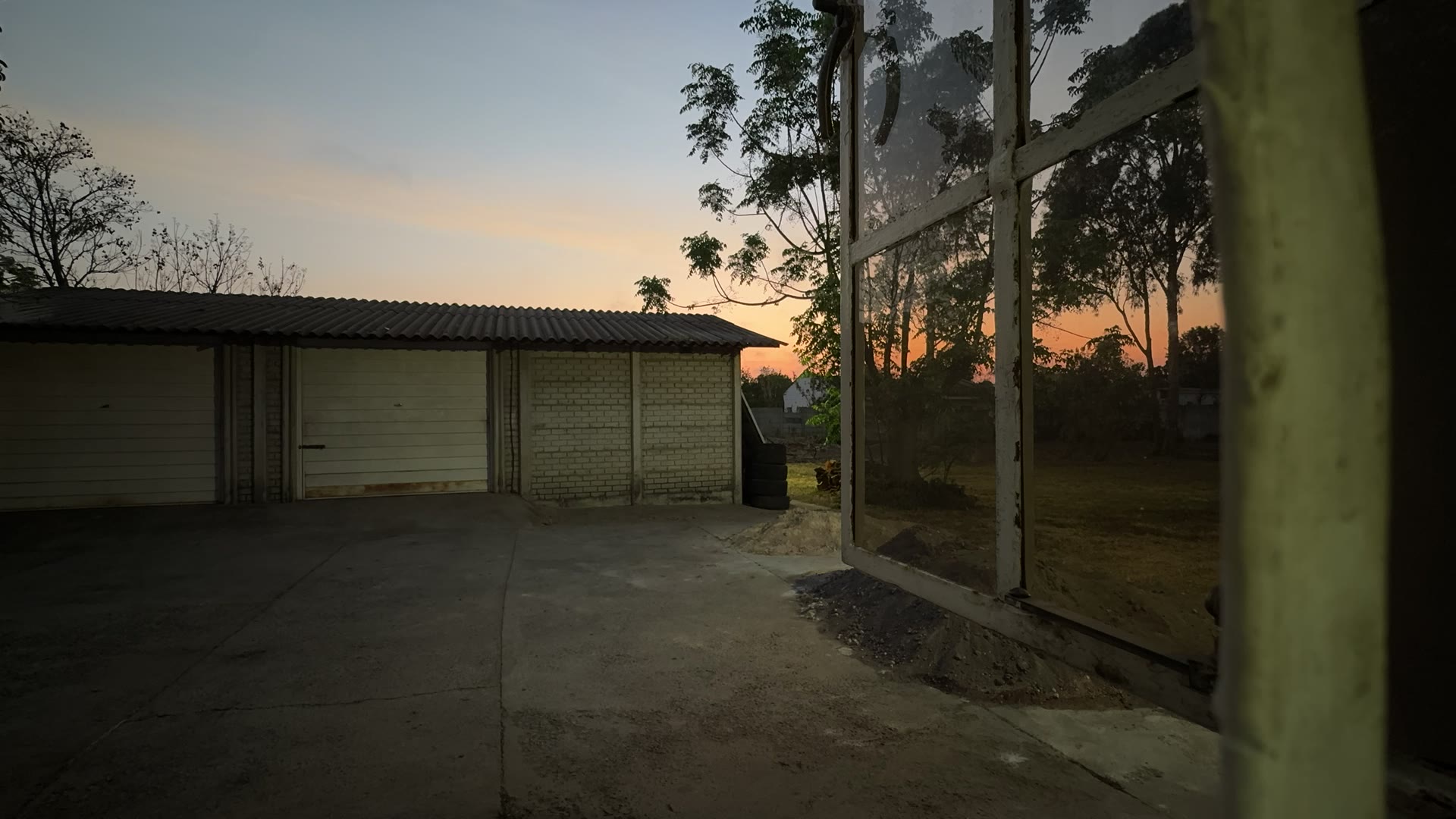
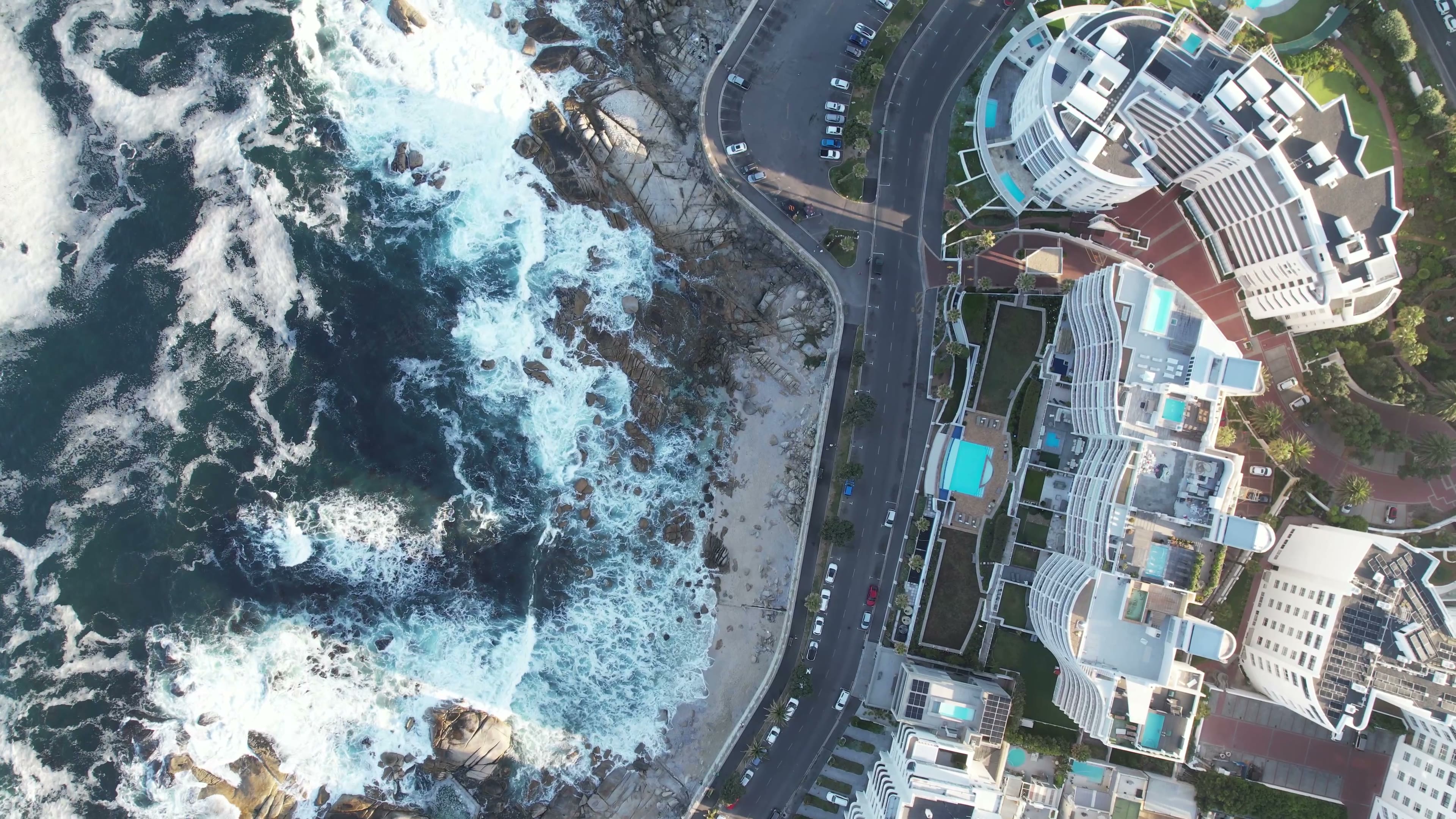
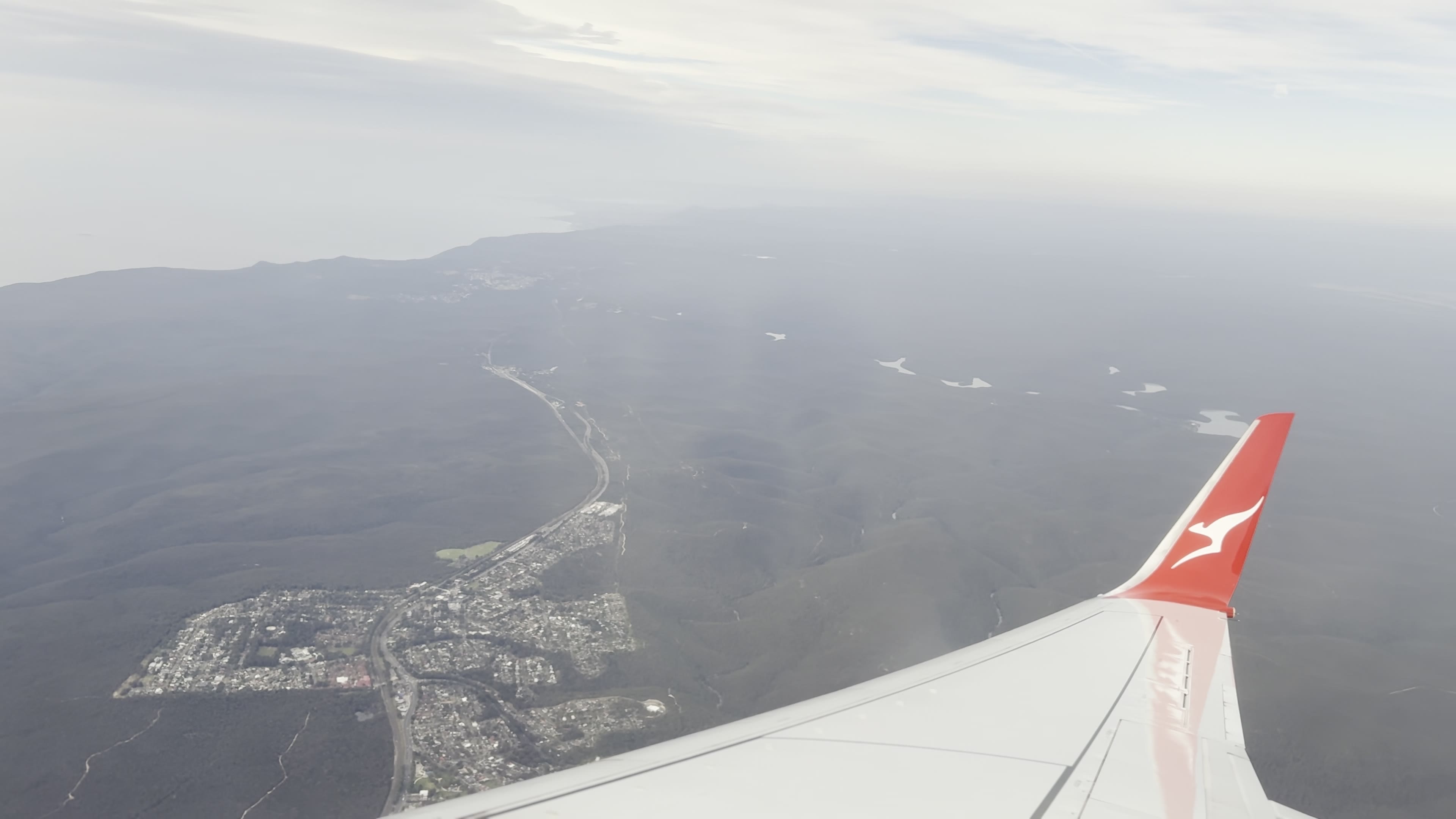
Real queries against a real archive — the kind of search you'd actually run when you know you shot it but can't find it.
Find your memory.
Continue the story.
A custom AI model on your machine. Reading every frame, every word of dialogue. No cloud. No API key. No ongoing cost. Your footage stays yours — and now you can actually find it.
$69 — one payment. Yours forever. No subscription. No phone-home checks. No hidden cloud fees. 1 year of updates included. Regular price $179.